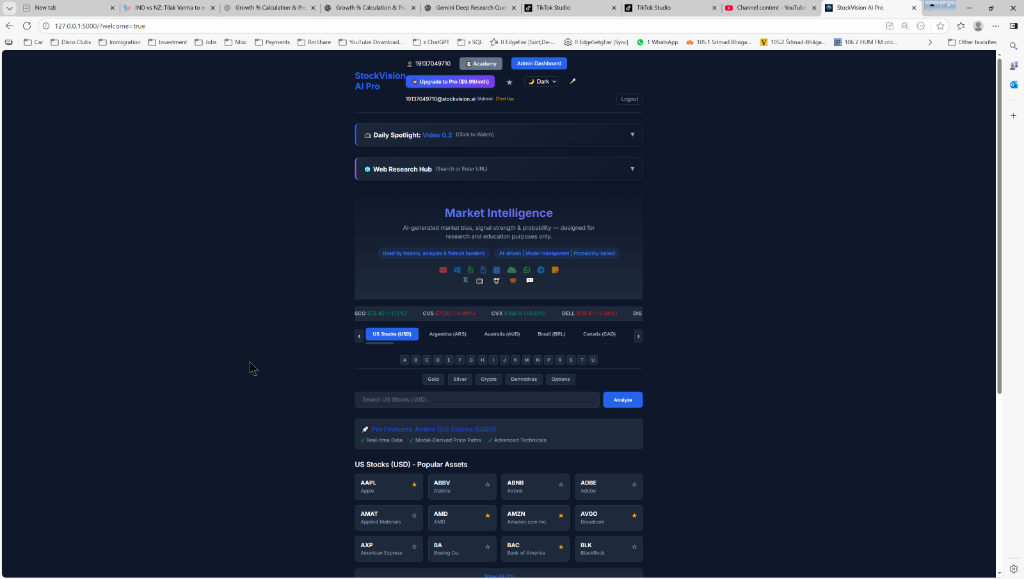
StockVision AI Pro
Install as a mobile app for instant access
Android (Chrome)
- Open Chrome and go to stockvision-app.online
- Tap the three dots in the top-right.
- Select "Install App" or "Add to Home Screen".
- Confirm the prompt. The app icon will appear on your home screen!
iPhone / iOS (Safari)
- Open Safari and go to stockvision-app.online
- Tap the Share button at the bottom center.
- Scroll down and tap "Add to Home Screen" .
- Tap Add in the top-right corner.
Alternative: Download Launcher
Save this special file to your device and add it to your home screen manually.
Download Launcher File
StockVision AI Pro © 2026